
Wire In Overview
Learn how to fund your Localpayment account via Wire In transfers from external financial institution.
A Wire In is the process of transferring funds from an external financial institution's account to your Localpayment account. This transaction type increases your Localpayment account balance and is reflected in all account reports and statements.
Wire In transactions provide complete transaction visibility through account statements and reporting business portals.
Once you have transfer to the given Localpayment account, the notification workflow varies depending on the currency type of your transaction.
- Fiat Currency Wire In: For transactions in fiat currency (e.g., USD, ARS, MXN), you are required to notify us of the incoming wire. This can be accomplished via:
- API Integration: Recommended for automated, programmatic notification.
- Localpayment Business Portal: Use the web interface for manual notification of individual transactions.
- Stablecoin Wire In
: Transactions involving stablecoins are handled by a fully automated pipeline. As a result, You do not need to notify us.
How Wire In Works
Fiat Currency Wire In
The Wire In process follows a structured workflow to ensure secure and accurate fund transfers:
- Send Funds: Transfer the money to your designated Localpayment account.
- Wire In Inform: Notify Localpayment of the incoming transaction via API or Business Portal.
- Pending Review: Transaction status changes to "Pending_Credit".
- Operations Validation: Our operations team reviews and validates the transaction details.
- Processing: Once validated, the transaction proceeds to completion.
- Completion: Status updates to "Completed" and funds are credited to your account.
- Status Monitoring: You monitor the final "Completed" status in real-time via the Business Portal or within reports.
Important
Wire In transactions automatically expire after 14 days if not completed.
Receipt Requirements
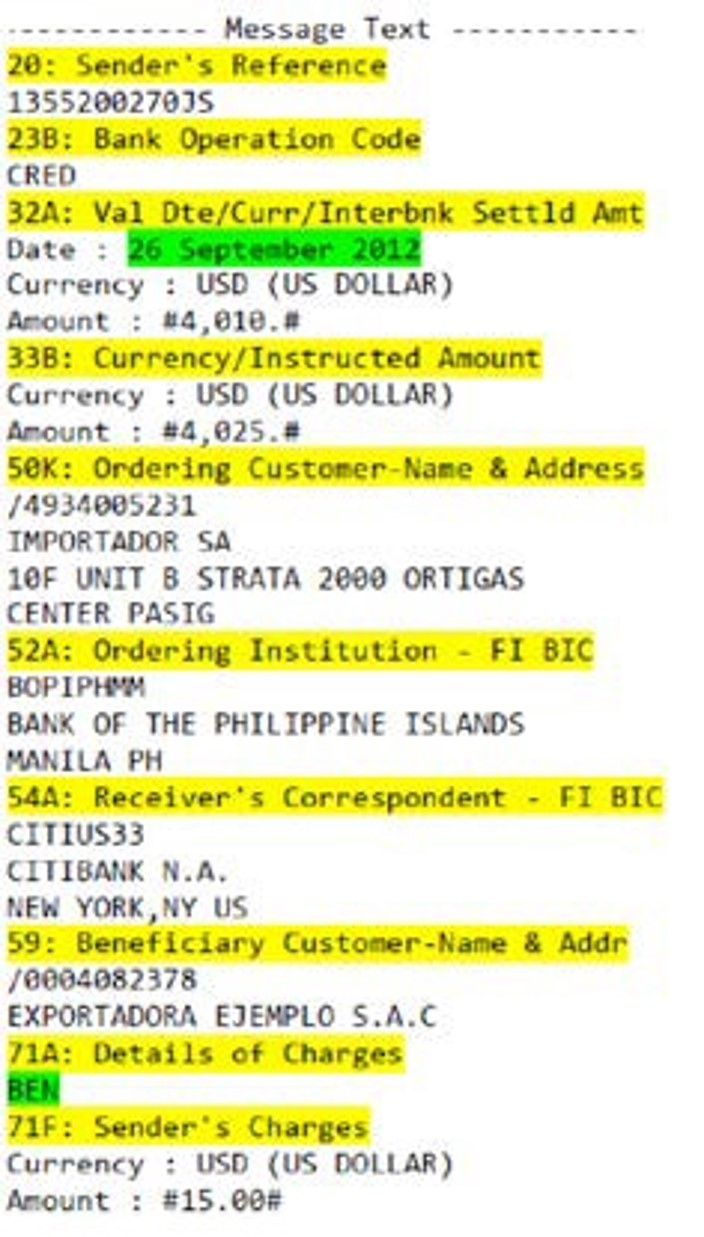
Upload your wire transfer receipt in one of these supported formats:
- PNG, JPG, JPEG (images)
- PDF (documents)
- TXT (text files)
Stablecoin Wire In
Prerequisites:
- An active Localpayment account with USDC and USDT enabled. If you don't have one, please contact your account manager.
Step-by-step:
The stablecoin Wire In process offers automated fund detection and crediting for supported cryptocurrencies. Follow these steps:
-
Request Payment Instructions: Contact the Treasury team to obtain:
- Wallet address
- Network specification (Ethereum or Tron)
- Currency type (USDC or USDT)
-
Whitelist your wallet address: Before initiating the transfer, you must whitelist your wallet address in your Localpayment account. This adds an extra layer of security and ensures that only approved addresses can send funds to your account.
Important
- If the wallet is rejected, contact the support team.
- If a wire-in transaction is created while the wallet is in Pending Authorization, the transaction stays in
pending credituntil Compliance approves the wallet. If the wallet is rejected, the transaction moves toonhold_AMLto be returned.- If a wire-in transaction is created before the wallet is registered and authorized, the transaction stays in
pending credituntil the wallet is registered and authorized.- If a wire-in amount is higher than the amount approved by Compliance for the wallet, the transaction stays in
pending credituntil Compliance reviews it. Compliance then either approves the transaction or moves it toonhold_AMLto be returned.
- Execute the Transfer: Send the stablecoin transaction from your wallet using the provided instructions.
- Automatic Detection: Localpayment's system automatically detects incoming transactions.
- Processing and Credit: After blockchain confirmation, the funds will usually appear in your account within 2 to 10 minutes. This timing can vary based on current network traffic and confirmation speeds.
- Status Monitoring: You monitor the final "Completed" status in real-time via the Business Portal or within reports.
Additional Considerations
- Irreversible Transactions: Funds sent to incorrect addresses cannot be recovered or processed.
- Supported Networks: Automatic processing is available exclusively for:
- USDC and USDT on Ethereum network
- USDC and USDT on Tron network
- Currency Matching: The transaction currency must match your destination account currency (e.g., USDC transfers can only credit USDC accounts).
Updated 3 months ago