

Before You Begin
Ensure you have:- Valid API credentials (access token).
Step 1. Create PSE Payment
To initiate a PSE payment in Colombia, send aPOST request to the Create Payin endpoint with PSE-specific parameters.
Key Request Parameters
The request requires several key objects specific to Colombia PSE payments:
See all available parameters in the request.
Example Request
Below is an example usingcurl:
curl
Step 2. Handle the Response
Successful Response
A successful PSE payment creation includes the redirect URL and transaction details:Key Response Fields
Error Response
When PSE payment creation fails for Colombia, you’ll receive specific error information:Step 3. Handle PSE Payment Flow
- Payment Initiation: Redirect customer to PSE payment url.
- Bank Authentication: Customer logs into their online banking environment.
- Payment Authorization: Customer confirms payment within their banking interface.
- Real-time Confirmation: Localpayment receives payment notification.
- Status Update: Your system receives webhook with payment confirmation.
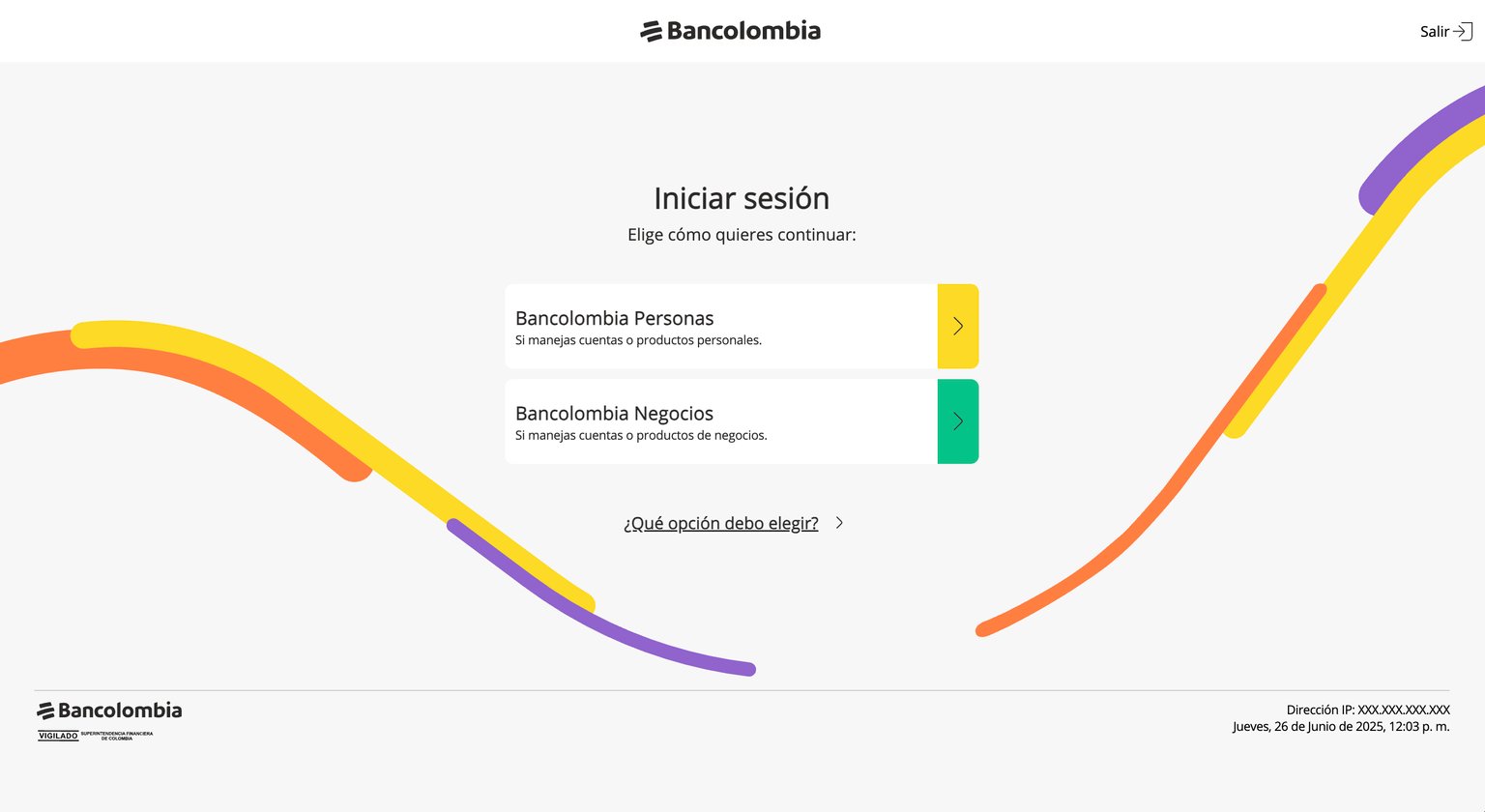
Bancolombia Login page
Step 4. Track Transaction Status
Monitor PSE payment progress through these methods:Webhooks (Recommended)
Receive real-time notifications when transaction status changes. Most efficient for production environments.
Status API Endpoint
Query transaction status programmatically. Useful for polling or recovering lost webhook notifications.
Business Portal View
Visual interface for monitoring transactions. Great for manual oversight and detailed transaction analysis.
Common Status Codes
The Localpayment API provides various status codes to indicate the progress and outcome of the payment in the response.Complete ReferenceView all status codes in our Transaction Status Documentation.
Country-Specific Requirements
Supported Colombian Banks (PSE)
PSE payments are supported for the following financial institutions:Bank list
Bank list
- BANCO DE BOGOTA
- BANCO POPULAR
- BANCO ITAU
- BANCOLOMBIA
- CITIBANK
- BANCO GNB SUDAMERIS
- BANCO BBVA COLOMBIA S.A.
- DAVIBANK
- BANCO DE OCCIDENTE
- BANCO CAJA SOCIAL
- BANCO AGRARIO
- BANCO MUNDO MUJER
- BANCO DAVIVIENDA
- BANCO AV VILLAS
- BANCAMIA S.A.
- BANCO PICHINCHA S.A.
- BANCOOMEVA S.A.
- BANCO FALABELLA
- BANCO FINANDINA S.A. BIC
- BANCO SANTANDER COLOMBIA
- BANCO COOPERATIVO COOPCENTRAL
- BANCO SERFINANZA
- LULO BANK
- J.P. MORGAN COLOMBIA S.A
- DALE
- CFA COOPERATIVA FINANCIERA
- JFK COOPERATIVA FINANCIERA
- COTRAFA CONFIAR COOPERATIVA FINANCIERA
- BANCO UNION (formerly GIROS COLTEFINANCIERA)
- NEQUI
- AVIPLATA
- BAN100
- IRIS
- MOVII S.A.
- UALÁ
- NU
- RAPPIPAY
- ALIANZA FIDUCIARIA S.A.
- CREZCAMOS
- BOLD CF
- DING
Testing Your Integration
Sandbox Environment
Use the staging environment for testing:Test Scenarios for Colombia
Verify your integration handles these scenarios:- Successful Payment: Complete PSE payment flow with bank simulation.
- Bank Authentication: Test different bank authentication flows.
- Payment Expiration: Handle payment session expiration gracefully.
- Authentication Failure: Test failed bank login scenarios.
- Status Updates: Webhook handling and status polling.
Next Steps
After implementing PSE payments, consider these additional capabilities:Refund the transaction
If necessary, you can refund the payment to the customer. Refer to the documentation for details.
Review transaction details
You can retrieve transaction information using the Localpayment API for detailed insights.